Recurring invoices save time when the same kind of invoice needs to be created again and again – for example monthly subscriptions, service agreements or rent.
What is it?
You create a template with customer, lines and terms. NordCapital then generates new invoices automatically according to the schedule you choose. You can pause, reactivate or create an invoice manually whenever you need.
How do I create one?
- Go to Recurring invoices in the menu and choose New recurring invoice – or open an existing invoice and create a recurring template from it.
- Give the template a clear name (e.g. "Monthly subscription – Company X").
- Choose frequency: daily, weekly, monthly, quarterly or yearly – and an interval if needed (e.g. every other month).
- Set a start date and an optional end date, plus day of month/week when relevant.
- Turn on Active so the schedule runs. Want invoices sent automatically? Enable Send automatically.
Everyday tips
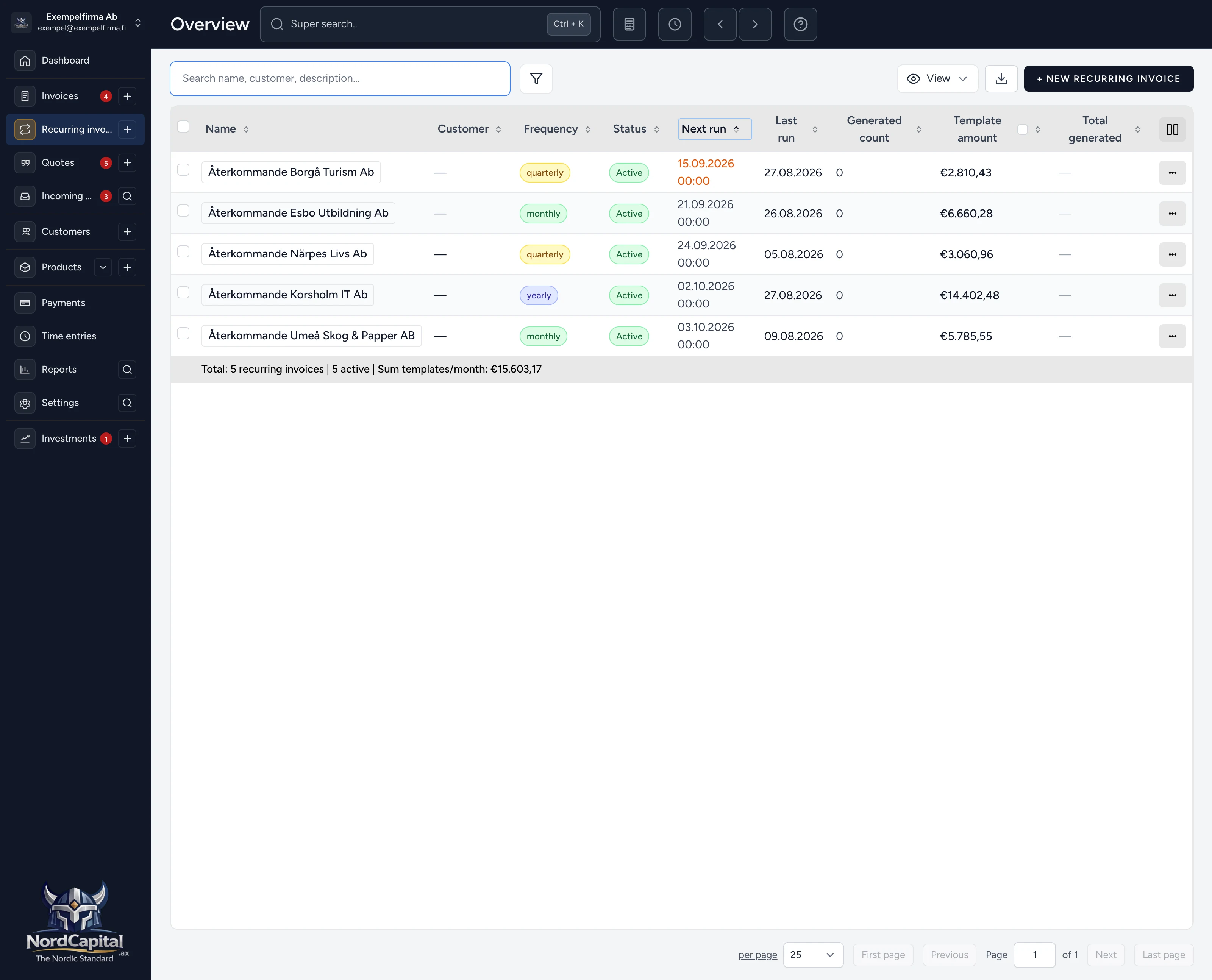
- In the list you see the next run, how many invoices have been generated and amounts.
- From the row menu you can Generate now, pause or open invoices already created.
- Under Reports there are overviews for recurring flows – generated, upcoming and by frequency.
Once the template is in place, NordCapital takes care of the rest – so you do not have to recreate the same invoice over and over.