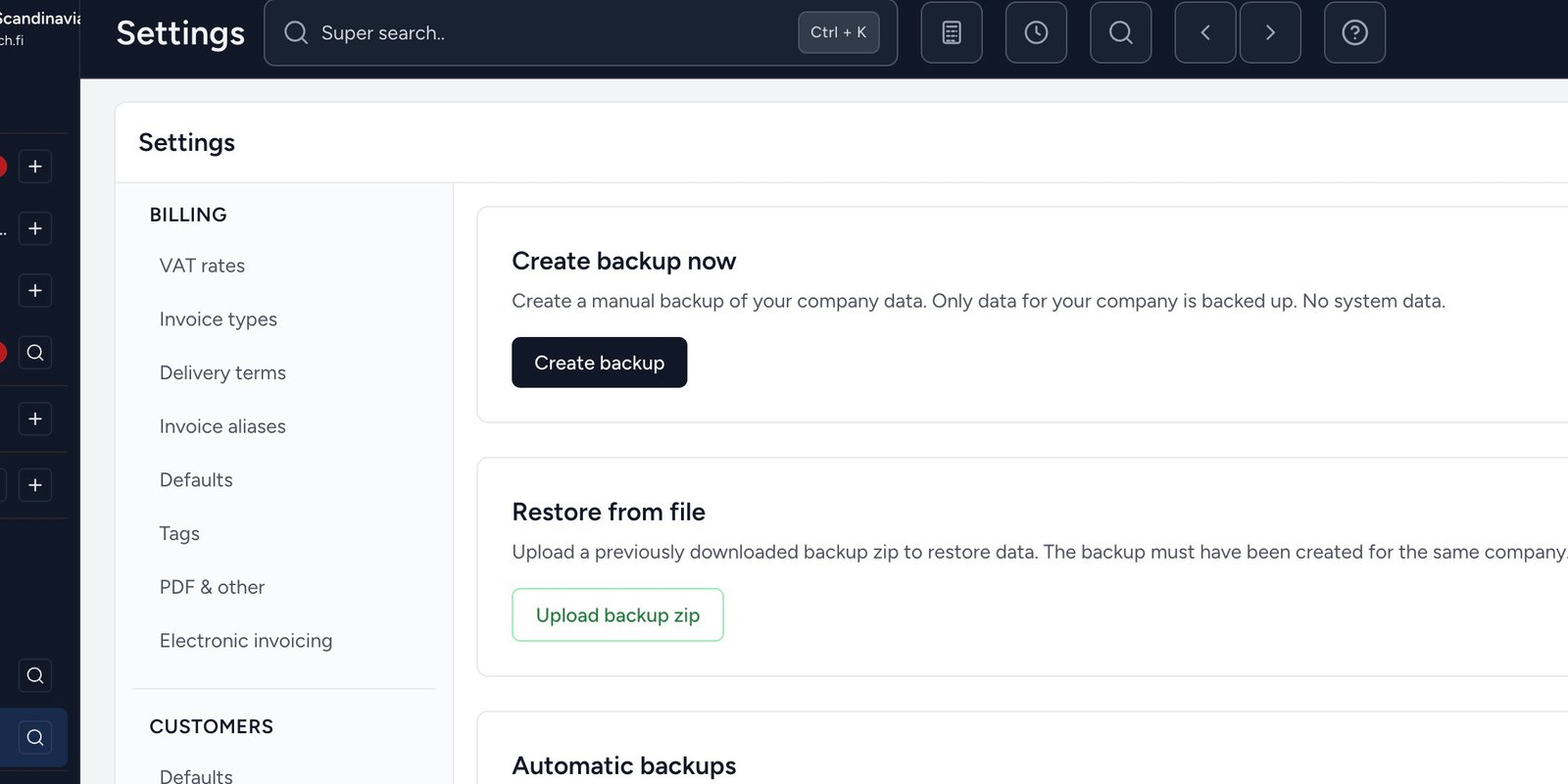
NordCapital now includes built-in backup so you can protect your company data with confidence.
Manual backup
Under Settings → Backup you create an encrypted zip whenever you want – for example before a major change. Set a password, add an optional comment, and choose to send the backup by email.
Automatic nightly backup
Every night (03:00–04:30), in addition to any optional manual backups, an automatic backup of your data is taken. Daily backups are kept for 7 days, and the 4 most recent Sunday backups are also kept as weekly/monthly backups. These can be restored on request by getting in touch.
Scheduled backup in the app
You can also enable your own scheduled backups under Settings → Backup. The five most recent are kept on the server; older ones are removed automatically.
Restore
Upload a previously downloaded backup zip to restore data for the same company. Keep the password safe – you need it to open the file. Nightly system backups are restored on request by getting in touch.