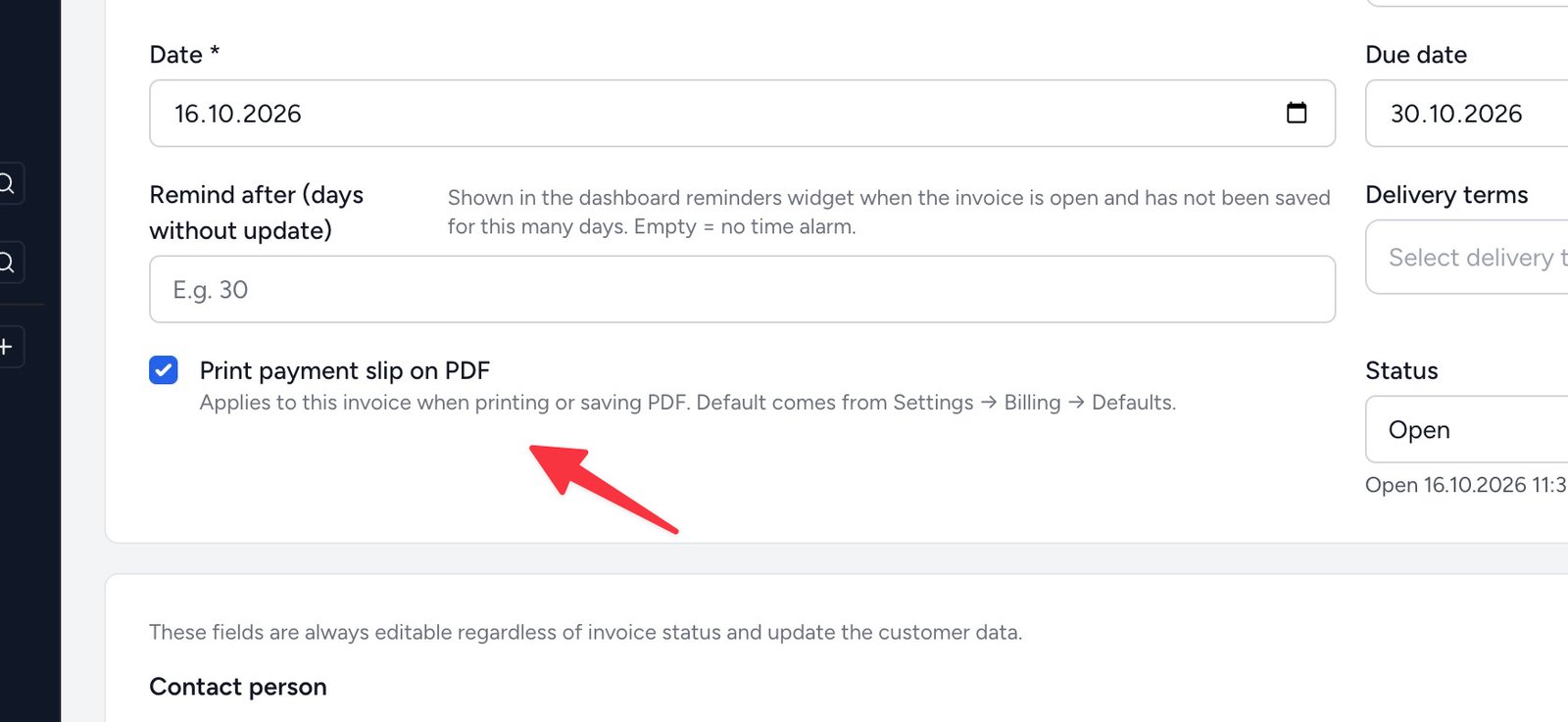
The same familiar invoice layouts as before – now with extra fields (shown when needed) and the option to generate without a payment slip.
On the invoice, tick Print payment slip on PDF when the giro should be included. Untick to generate the same invoice without a payment slip – useful when the recipient pays another way or when you want a cleaner look.
Set the default under Settings → Billing → Defaults; each invoice can then differ as needed.
With payment slip
The payment slip sits at the bottom of the last page, as before.
Without payment slip
The same invoice without the payment slip – bank details remain in the footer.