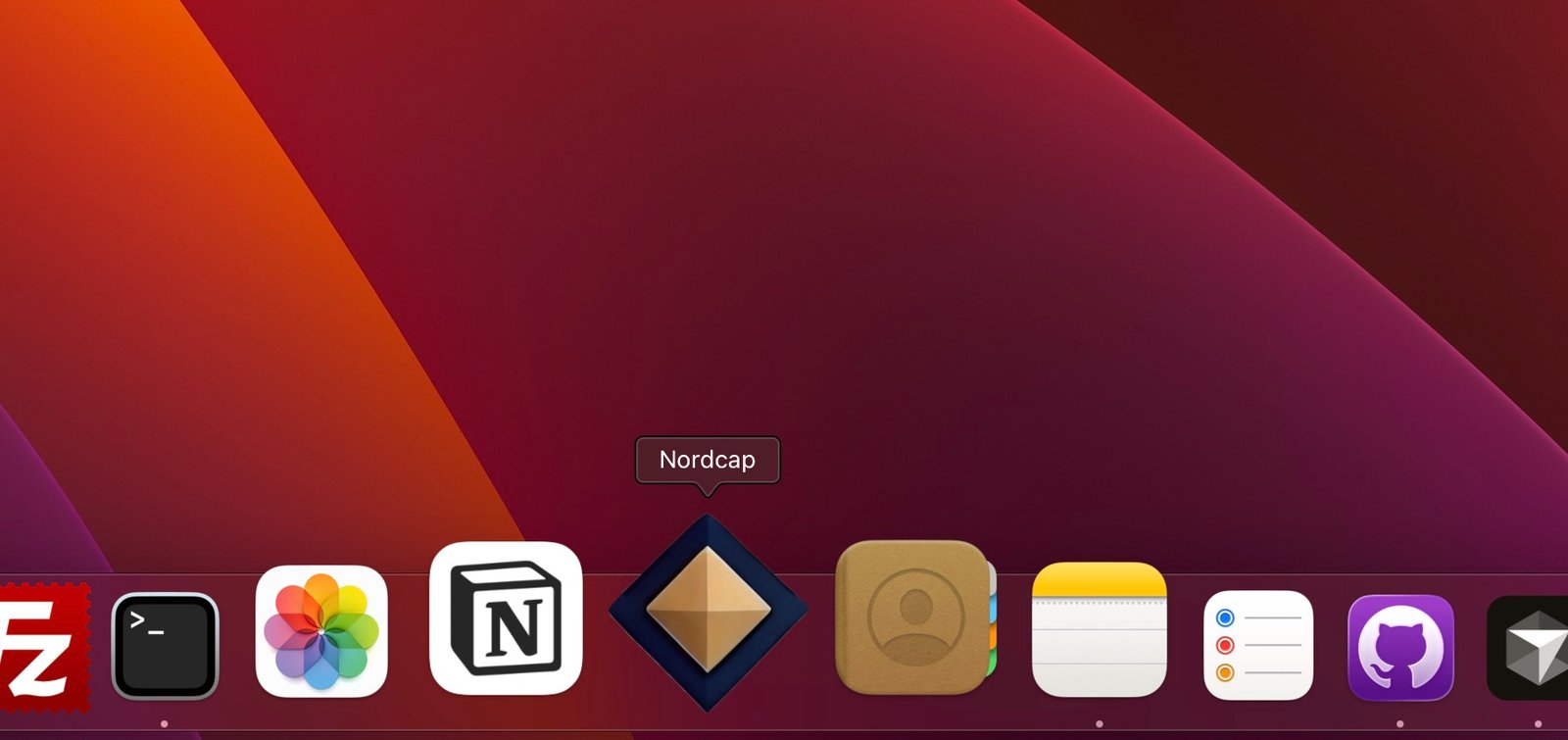
NordCapital works in the browser as usual. For faster access, you can also install the app as an app on the phone, tablet or computer.
It's called Progressive Web App (PWA). You get an icon on the home screen or in the program list, and the program opens in its own fast normal app window.
Here’s how to do it
- Mobile (Android/Chrome): open NordCapital in the Chrome → menu (three dots) → Install App or Add to Homeaugmentation.
- iPhone/iPad (Safari): open NordCapital in Safari → Share → Add to homescreenaugmentation.
- Computer (Chrome/Edge): open → the NordCapital installation icon in the address bar, or the menu → Install Nordcapaugmentation.
You log in as usual. Updates come automatically when you use the app – no separate app update to keep track of.
Internet is still needed to work in the program. The PWA makes it easier and faster to open and use NordCapital.